English
  • English
  • Čeština
  • Deutsch
  • Español
  • Français
  • Italiano
  • Polski
  • 日本語
Login

Featured Articles

Open-sourcing CORE One CAD Files Under the New Open Community License (OCL)

Today, we are releasing the full CAD files for the CORE One and CORE One L frames....

December 19. 2025 | Josef Průša

Start Painting Miniatures with Prusa Academy!

Our Prusa Academy team has been on fire, bringing you a sixth course already this year: this...

December 8. 2025 | Vladimir Kafka

Prusa Pro HT90 One Year Later – Improving our Industrial Workhorse

On our blog, we usually focus on our desktop 3D printers and various upgrades like INDX, accessories,...

November 28. 2025 | Martin Knižátko

Firmware 3.4.0 with Filament Sensor Engine 2.0 and MMU 2.0 shipping update

Featured
Josef Průša Josef Průša

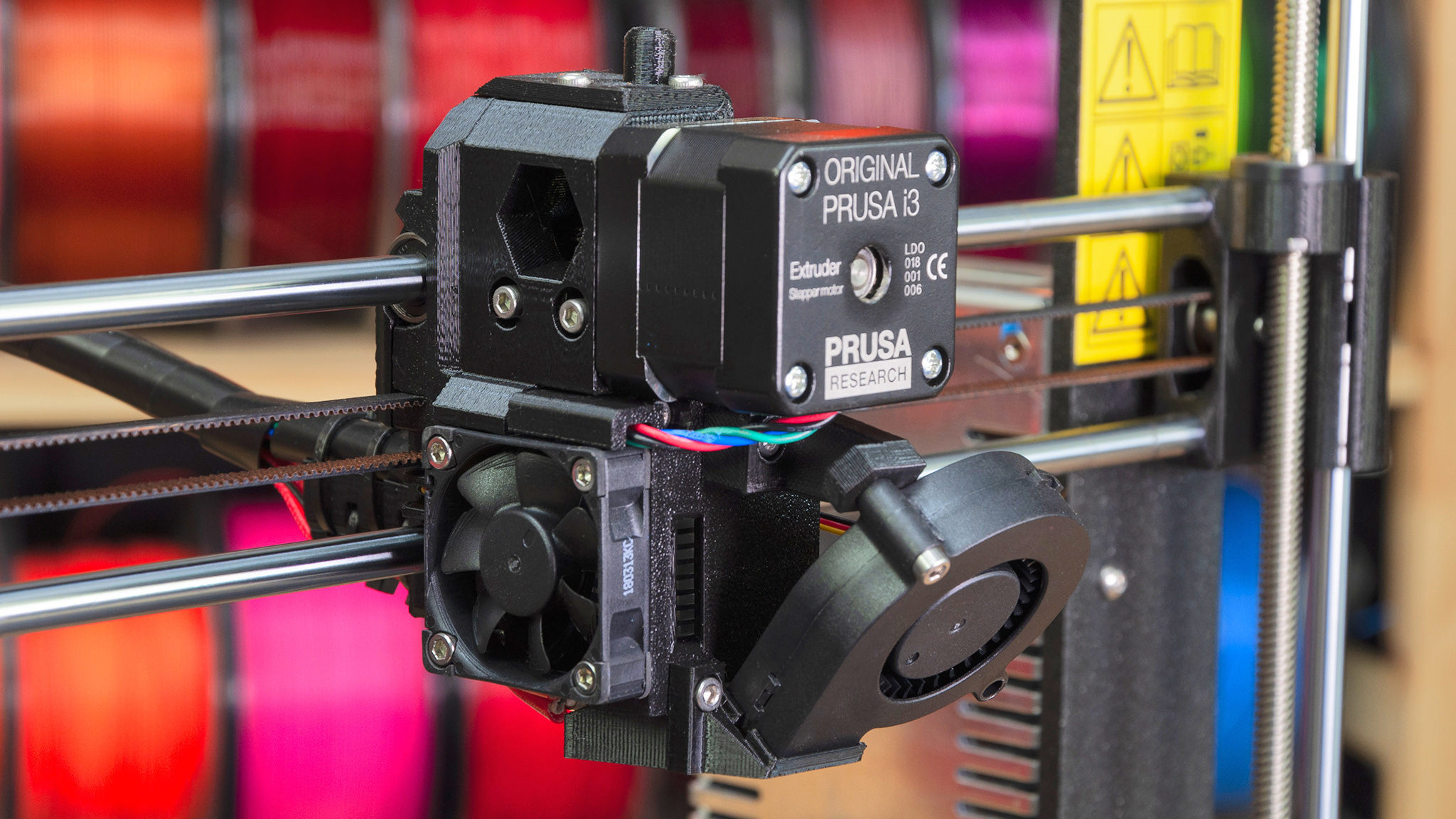
New firmware 3.4.0 for Original Prusa i3 MK3 and MK2.5 is out! We usually inform about firmware updates in short chapters within larger articles, but this release has so much new stuff, I decided to tell you more about it. Plus,…

Estimated reading time: 5 minutes Read more

13 Responses / Log in to leave a Comment September 14. 2018

Parametric design in OpenSCAD

Guides
Michal Altair Valasek Michal Altair Valasek

In my previous article, I’ve shown you how to create a spare part for an office chair using OpenSCAD. And I have also encouraged the readers to try and modify the values in the code to see how they affect the…

Estimated reading time: 13 minutes Read more

One Response / Log in to leave a Comment September 7. 2018

Multi Material Upgrade 2.0 is here!

Featured
Josef Průša Josef Průša

A little over a month ago, I mentioned that our Multi Material Upgrade 2.0 is close to being shipped. And I’m happy to announce, that the time is now! We have just started shipping the MMU 2.0 to first customers. I’m…

Estimated reading time: 9 minutes Read more

32 Responses / Log in to leave a Comment August 30. 2018

7 problems affecting the quality of your 3D prints

Guides
Tomáš Chvalina Tomáš Chvalina

As promised, we have prepared another article about more-or-less common 3D printing errors. In the first part, we were dealing mainly with the first layer and the ways how to make it just right. This time, we will take a closer look…

Estimated reading time: 8 minutes Read more

One Response / Log in to leave a Comment August 10. 2018

How to set up wireless printing with Toshiba FlashAir SD cards

Guides
Michal Altair Valasek Michal Altair Valasek

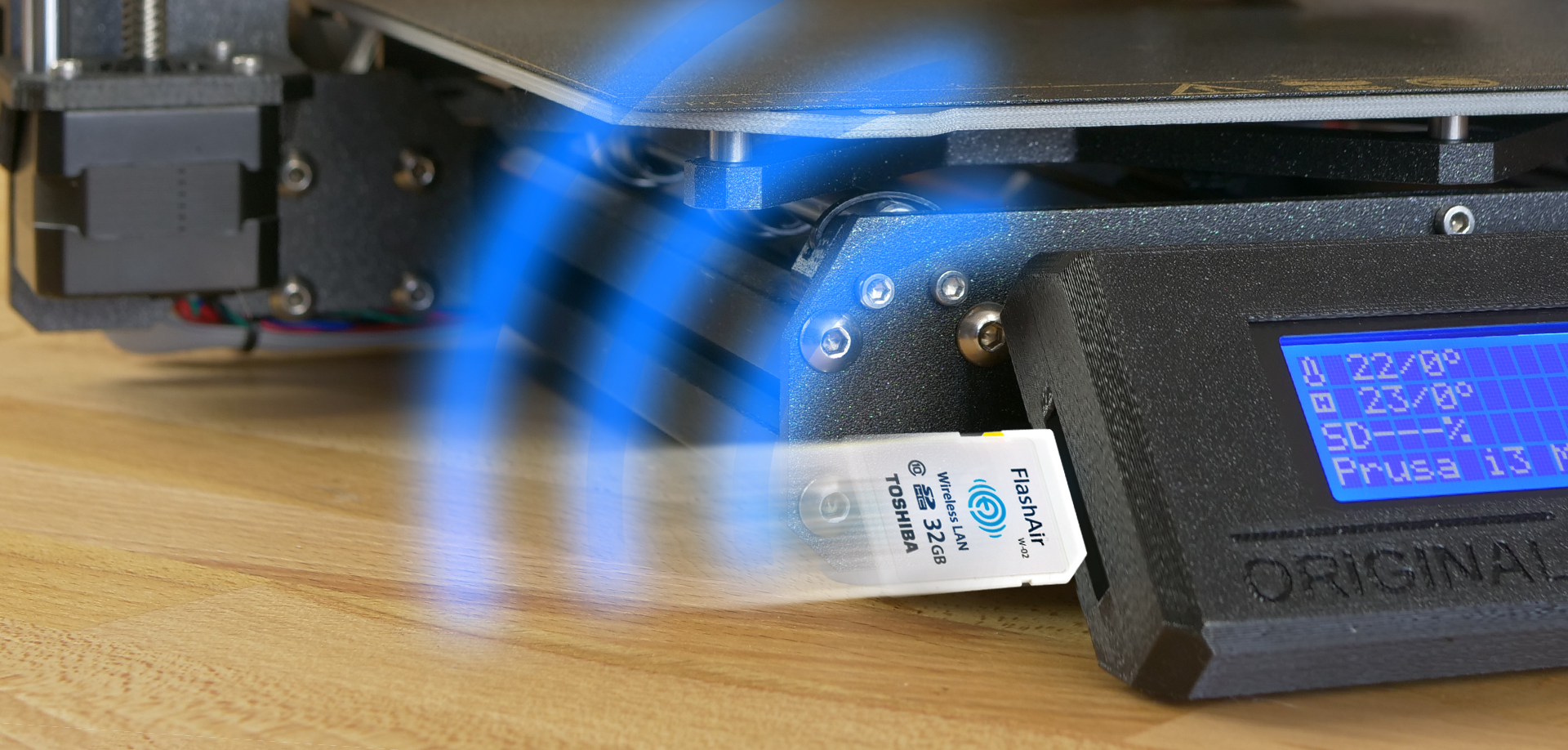
If you don’t like juggling SD cards and consider Raspberry Pi with Octoprint too difficult to set up, then we might have the right solution for you: Toshiba FlashAir SD cards. There are already various posts about these Wi-Fi enabled cards…

Estimated reading time: 5 minutes Read more

31 Responses / Log in to leave a Comment July 19. 2018

Prusa Research Summer Update: MMU 2.0, MK3 new extruder and “inconsistent extrusion” investigation

Featured
Josef Průša Josef Průša

It’s been a pretty long time since my last update on the Prusa Research status and I have loads of great news, so let’s get to it!

Shipping and support
Multi Material 2.0
Slic3r PE 1.40.1
Inconsistent extrusion
Firmware 3.3.1
Better…

Estimated reading time: 11 minutes Read more

33 Responses / Log in to leave a Comment July 17. 2018

Cool 3D prints from our office: T-Rex, Boxer Engine & 3D Clock

Printing tips
Jan Olejnik Jan Olejnik

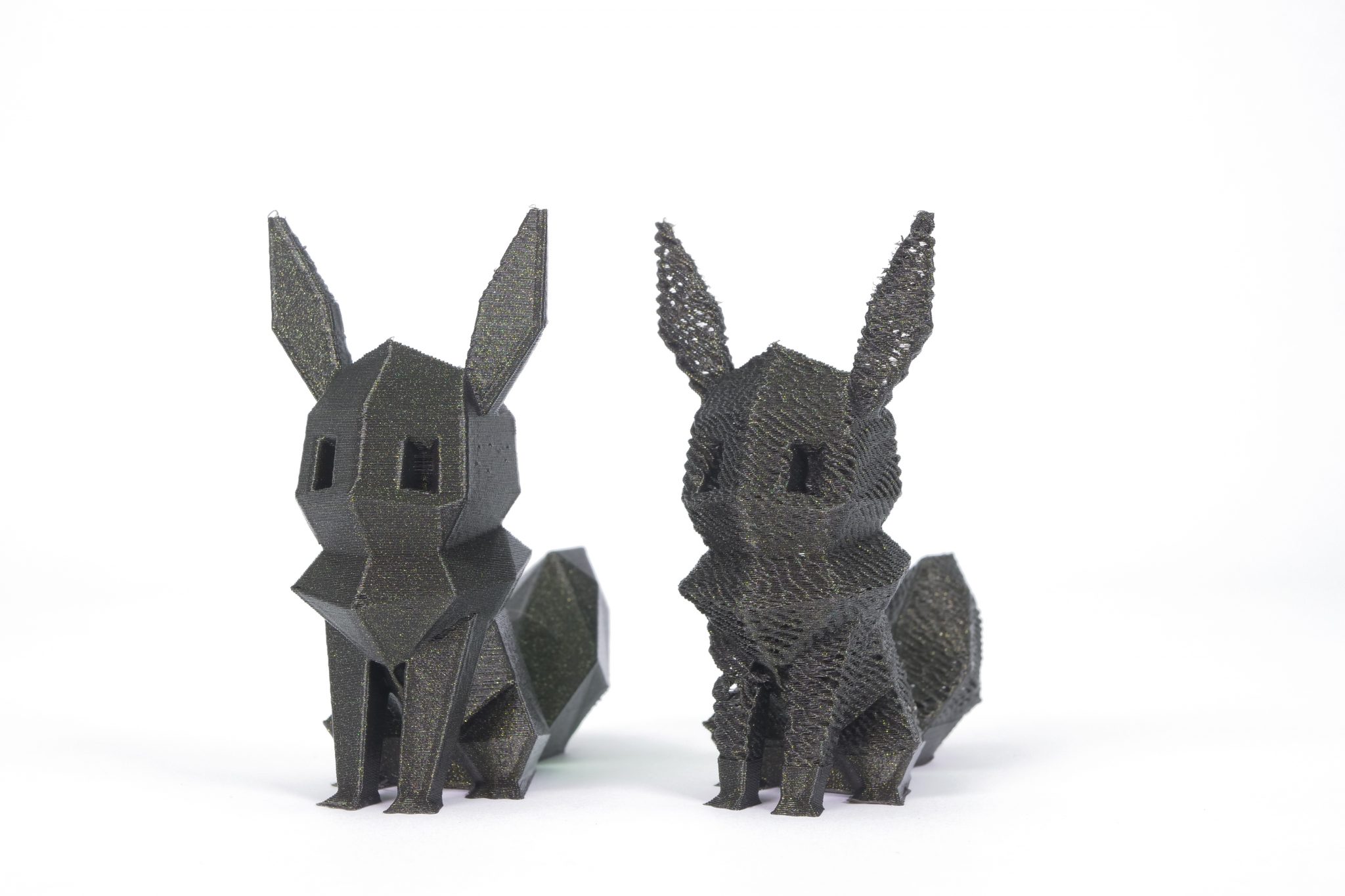
When we travel the world to show off our 3D printers, people often ask us not only about our machines but also about the 3D printed models we usually bring with us. And, please excuse us, but we would like to…

Estimated reading time: 8 minutes Read more

3 Responses / Log in to leave a Comment July 13. 2018

Practical problem solving: Programming objects for 3D printing in OpenSCAD

Guides
Michal Altair Valasek Michal Altair Valasek

How do you 3D print something? Well, that’s easy: get an STL model, load it into a slicer app, generate a G-code, upload it to a 3D printer and that’s it! But what if you can’t find the desired STL file…

Estimated reading time: 9 minutes Read more

7 Responses / Log in to leave a Comment June 29. 2018

Everything about nozzles with a different diameter

Guides
Mikolas Zuza Mikolas Zuza

The default nozzle diameter for most of today’s printers is 0.4 mm, and the nozzles used in Original Prusa i3 MK3S+ and the MINI printers are no exception. Changing the nozzle takes just a few minutes and it can bring a…

Estimated reading time: 7 minutes Read more

36 Responses / Log in to leave a Comment June 7. 2018

5 Cool Models to Print and Postprocessing Showcase

Guides
Mikolas Zuza Mikolas Zuza

The main focus of our previous articles was often the pre-production or production phase of 3D printing process: how to cut an object, how to print supports or how to fix errors in 3D models. One could get the idea that…

Estimated reading time: 5 minutes Read more

2 Responses / Log in to leave a Comment May 25. 2018
Newer Posts Older Posts

Useful links

  • Prusa Knowledge Base
  • RepRap Calculators
  • 3D Printing Price Calculator
  • Filament Material Guide
  • Color Print
  • About Original Prusa i3
  • Original Prusa MK4 3D Printer kit
  • Original Prusa MINI+ Semi-assembled 3D Printer
  • Prusament

Most read articles

Sorry. No data so far.

Categories

  • Announcements
  • Contests
  • Dev Diaries
  • Featured
  • Guides
  • Interviews
  • Printing tips
  • Prusa Stories
  • Testimonials
  • Video

Prusa CORE One+

The CORE One+ is a fully enclosed CoreXY 3D printer with active chamber temperature control designed for top print quality and speed. Easy to set up and made to last, this rugged machine is perfect for beginners and professionals alike. It is available either as a plug-and-print machine, and also as an assembly kit, allowing you to build your own printer completely from scratch. Designed and built in the EU.

More info about CORE One+